Excel stays. Manual work doesn't.
Create, schedule and automate any report directly through Datanomik - in Excel, your way, without manual work.
Without organized data, there is no financial decision.
Turn all of your operation's financial information into structured, standardized, ready-to-use reports — automatically.

Fully customized reports
Build reports with the columns, filters, calculations and structure your company needs — with no format limitations.

Complete automation
Cash opening at 7 a.m.? Financial close every Friday? Consolidated position on the first business day? Set the frequency, define the recipients and forget about it. The report generates and sends itself.

Ready for any use
Reports built for leadership, audit, accounting or integration with ERPs and other systems. No copying, no pasting, no manual reconciliation.
From financial data to a finished report in seconds.
Use Datanomik's entire database to generate structured reports, with advanced filters and total flexibility.
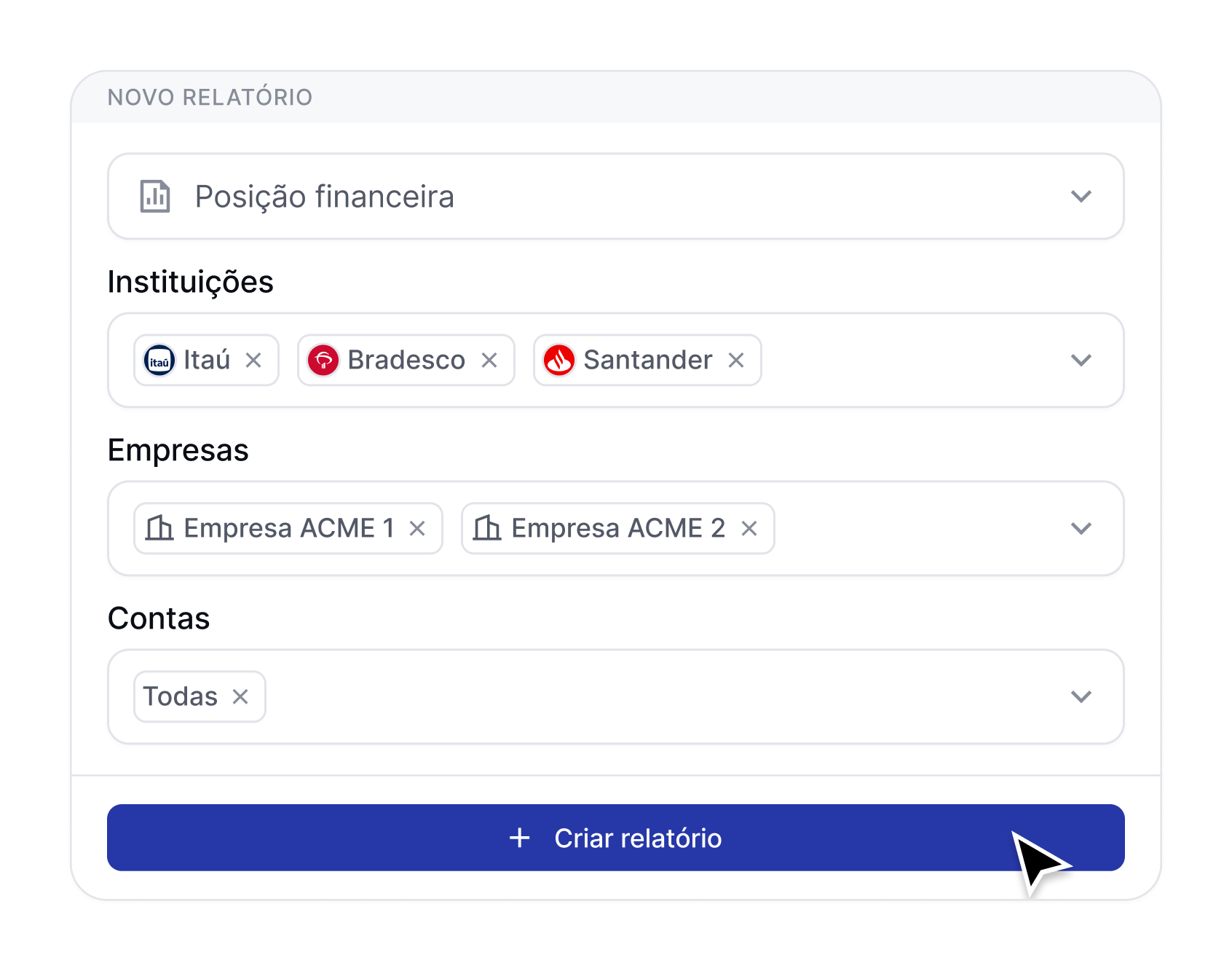
1. Define your report's structure
Choose which data to include, configure columns, apply filters by bank, CNPJ, account or any other dimension — and build exactly the report you need.
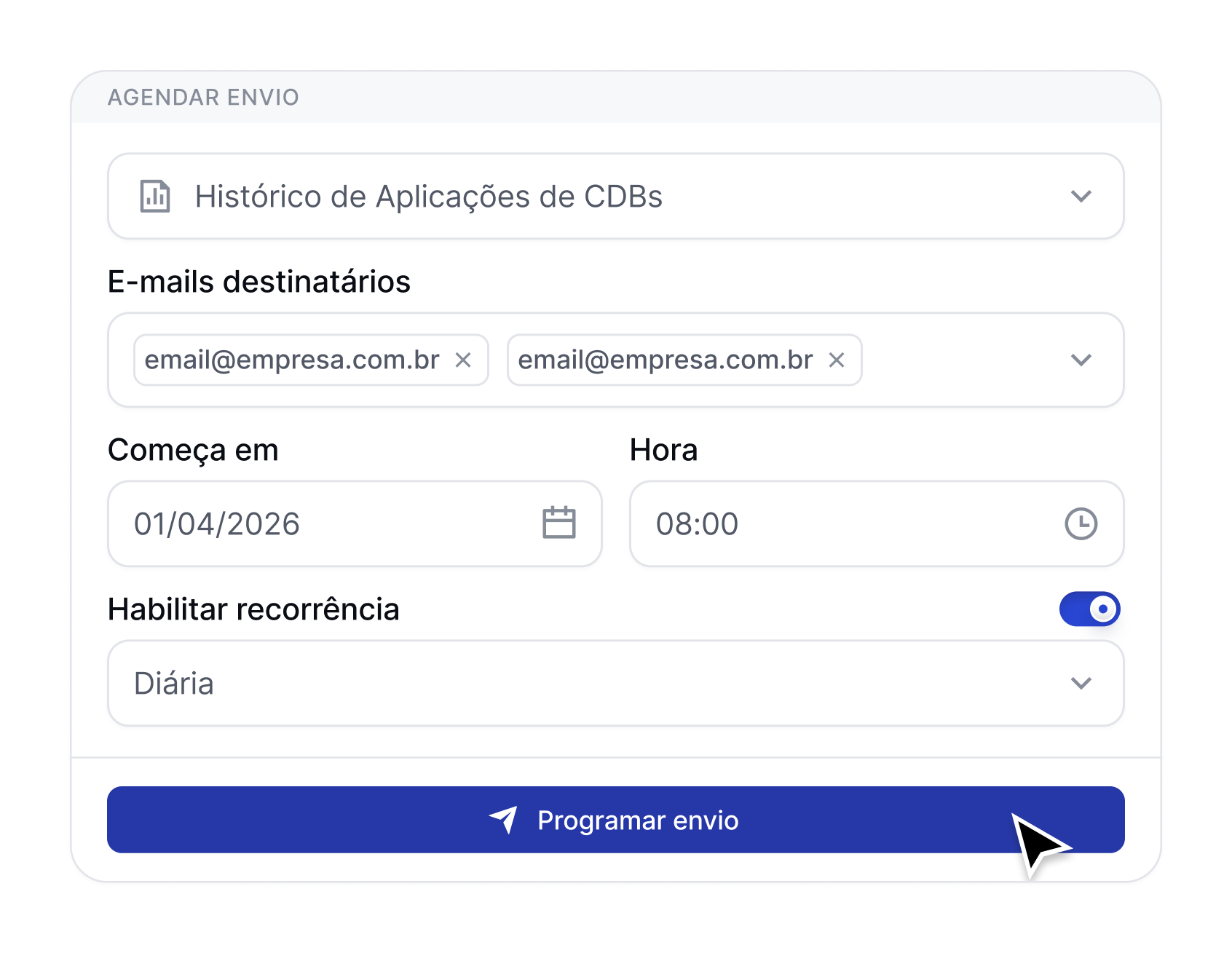
2. Automate generation and delivery
Schedule recurring reports and send them automatically to the right recipients — removing dependence on manual processes.
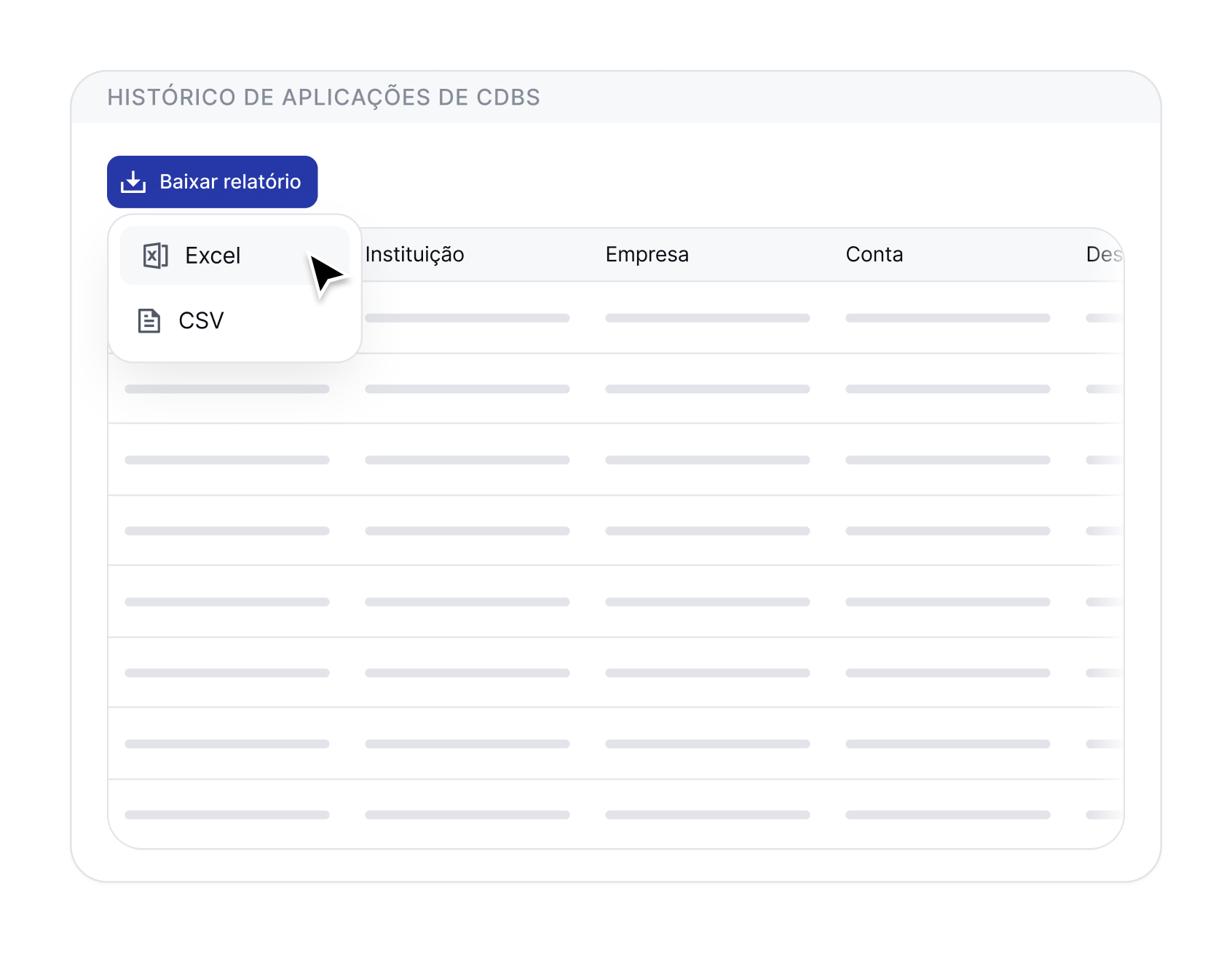
3. Use it your way: analysis, reporting or integration
Export reports in Excel or CSV, ready for presentations, audits or direct integration with ERPs and accounting systems.
Less Excel. More control. More time to decide.
Datanomik eliminates treasury's invisible work — so your team can focus on what really matters: analysis, strategy and capital allocation.
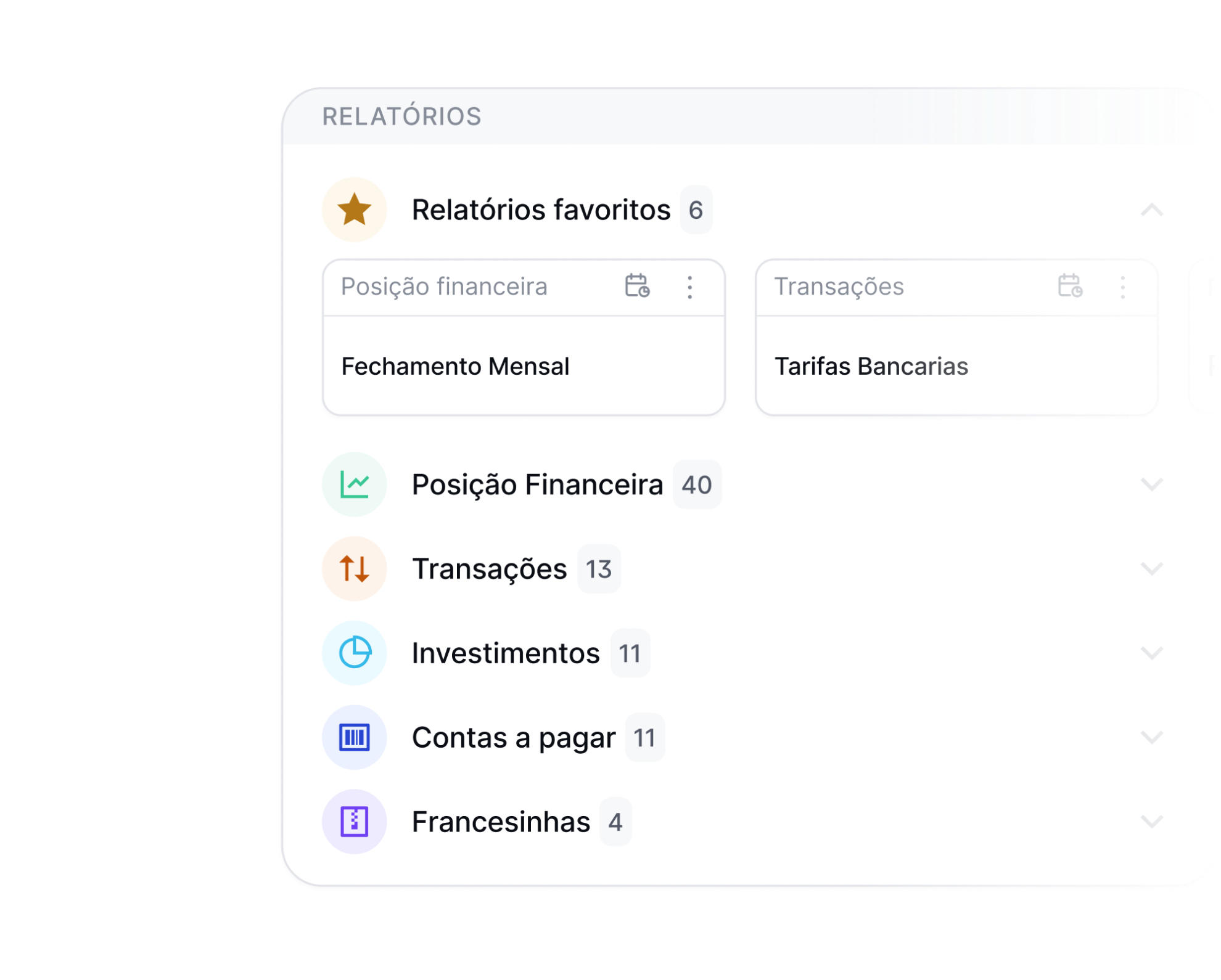
A report library for every area of the business.
Treasury, accounting, audit or compliance: every team finds what it needs, when it needs it — with consolidated access to every company in the group.
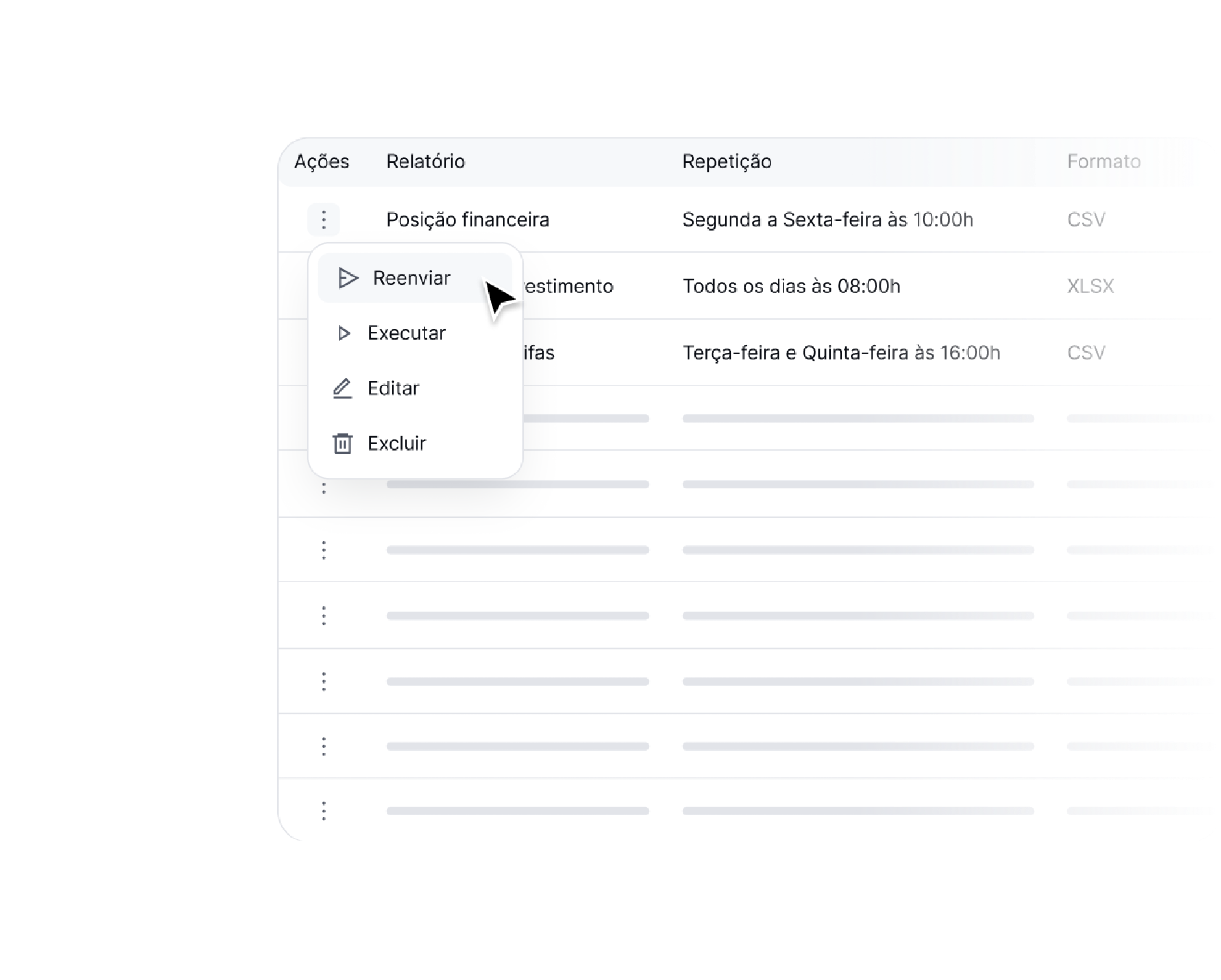
Automate routines that used to take hours
Reports that once required manual collection, consolidation in Excel and sending by email are now generated and distributed automatically.
Complete, traceable history
Access past reports and keep a structured history for audit, reconciliation and strategic analysis.
FAQs
What is Datanomik's reports module?

It's the feature that turns all of your operation's financial data into structured, customized, automated reports. With it, you can build reports in Excel or CSV with the filters, columns and calculations you need, schedule their generation and automatic delivery by email, and use them for analysis, management reporting, audit or integration with other systems, such as ERPs and accounting tools — with no manual work and always up-to-date data.
What types of treasury reports can I generate automatically?
Any report that uses financial data available in Datanomik can be created. There is no fixed format or predefined limitation — you define the structure, the filters and the level of detail.
Among the most common examples:
• Cash opening and closing reports
• Financial movements and transactions
• Bank fees
• Investment movements (trade notes)
• Monthly close reports
• Management reports for leadership (cash profitability, financial efficiency, etc.)
In addition, you can build fully customized reports for specific needs, including integration with ERPs, accounting systems or other internal processes.
Can I fully customize the reports?
Yes. Every report is 100% customizable. You choose which columns appear, how they are named and which calculations are applied. You can create different reports for different audiences — a summary for leadership, a detailed one for accounting, a specific one for audit — all from the same data.
In which formats can I export financial reports?
Reports can be exported in Excel and CSV, ready for use or for integration with other systems.
How does automatic report scheduling work?
You choose the frequency (daily, weekly, monthly or custom), set the date and time, and specify the email recipients. Datanomik generates and sends the report automatically, with no manual action. Once configured, it runs indefinitely — 24/7, holidays included, without depending on anyone being online.
Is the report sent automatically by email?
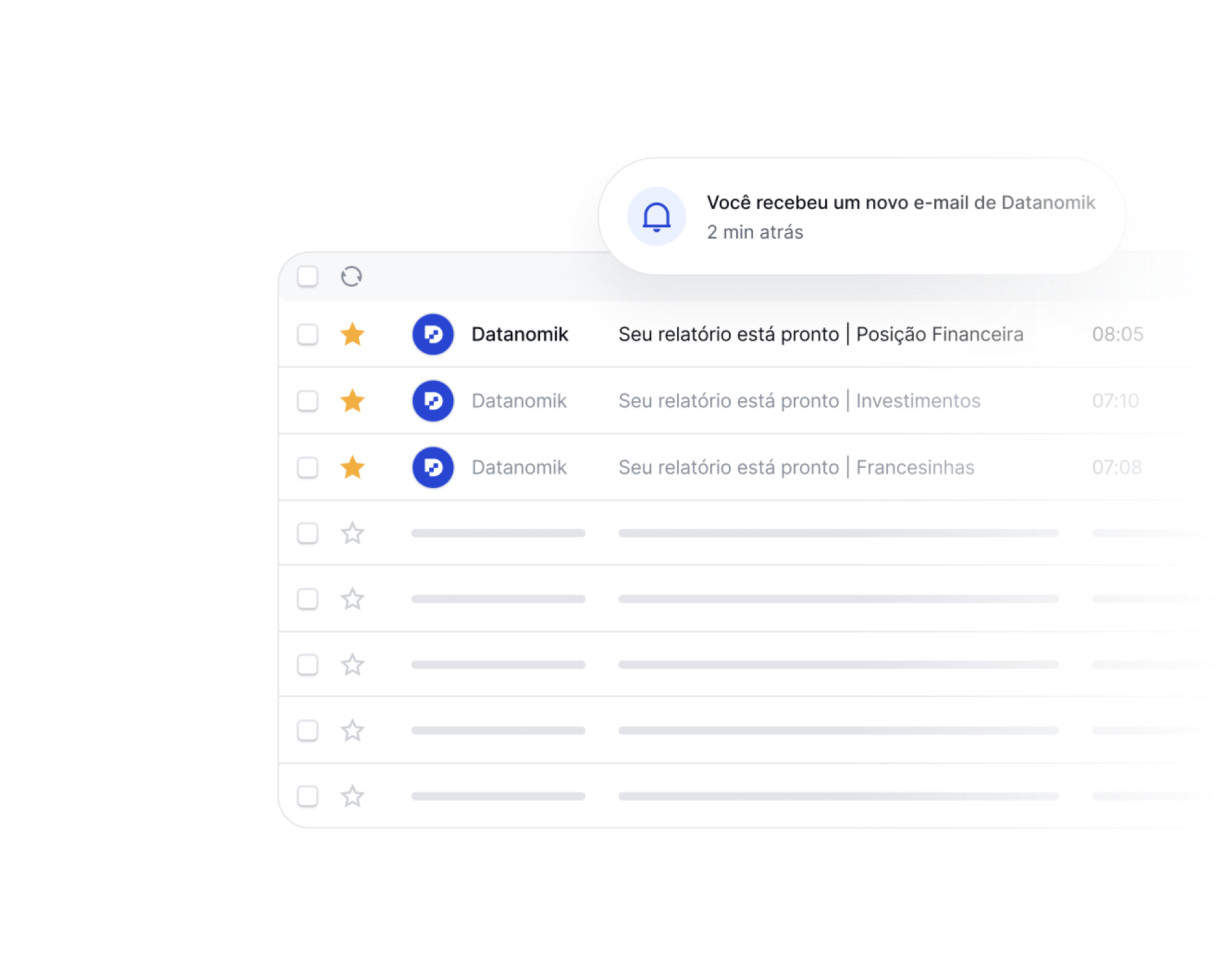
Yes. You set the recipients once and the report lands straight in the inbox — the CFO's, the controller's, the accounting team's, whoever needs it. No need to remember, open, attach and send. It's automatic.
Which filters are available?
It depends on the report type. The most common are: bank, CNPJ, bank account, period, transaction type. Specific reports have their own filters. The idea is that you build exactly the view you need, without irrelevant data cluttering the analysis.
Is the data updated in real time?
Reports reflect the most recent data available on the platform. Datanomik connects directly to your banks and updates the information automatically. You don't depend on someone downloading statements, copying data or "refreshing the spreadsheet".
Ready to transform your treasury?
Fill out the form and our team will get in touch shortly.

Allan Andrade
Datanomik Treasury Manager